How to Add Live Polls to GetResponse
Ask GetResponse contacts a question they can answer with one click, count one vote each with [[email]], and show live results in the email itself.
 First Publish Date:
Turn your next GetResponse newsletter into a one-click vote.
A Sendtric live poll appears in your GetResponse message as a set of answer images. Contacts click an answer, Sendtric records it against their email address, and the poll can show live percentages or result bars to everyone who opens the message afterwards.
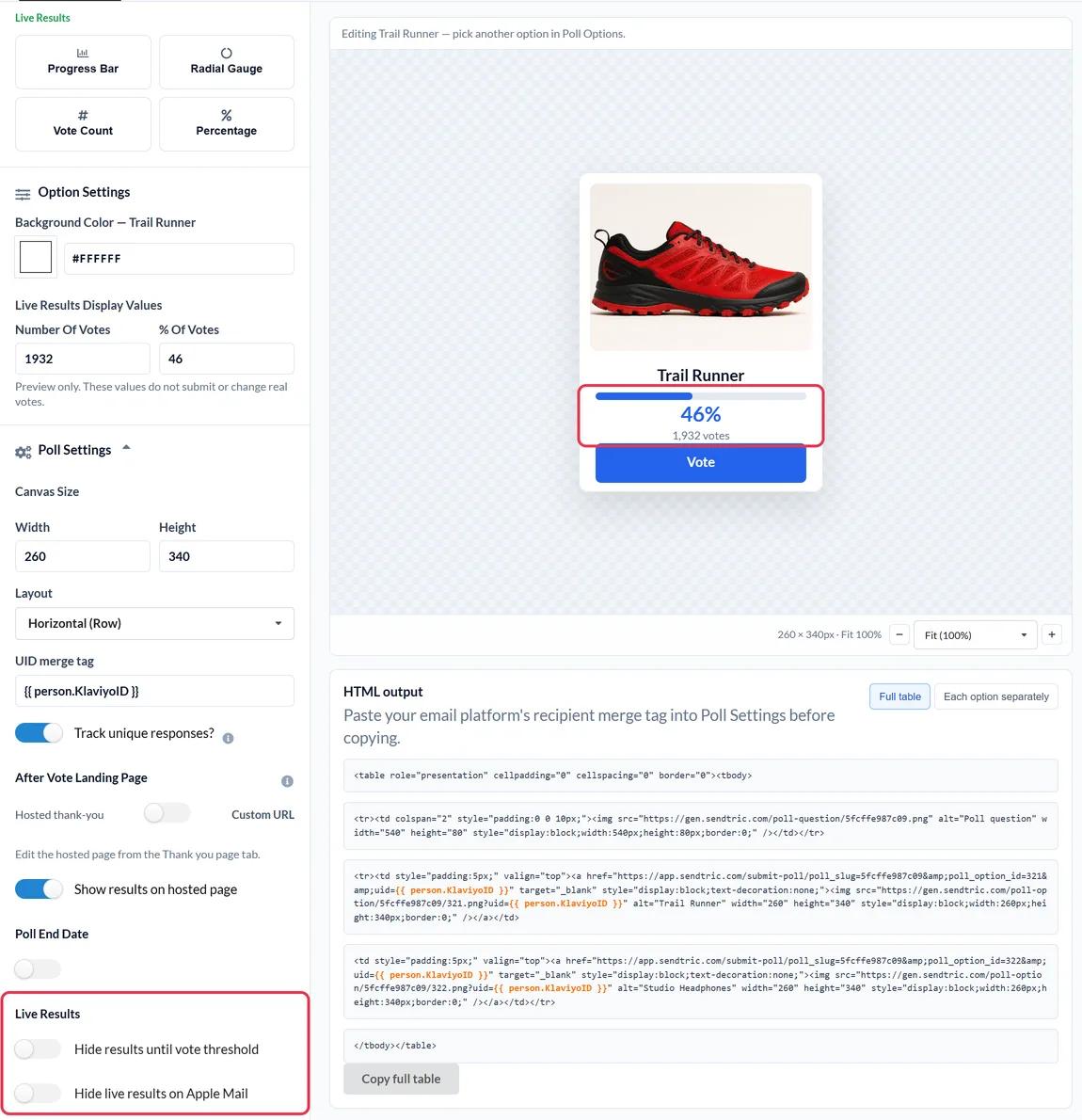
In GetResponse, the poll goes into a Custom HTML block, which you'll find under Basic blocks in the message editor's Layout section. GetResponse lists Custom HTML on its Starter, Marketer, Creator and Enterprise plans.
What you can do with a live poll in GetResponse
- Webinar follow-up: "How useful was today's session?" as a star rating in the message you send after a GetResponse webinar.
- Course and content planning: let subscribers vote on the topic of your next lesson, workshop or video.
- Product votes: show two or three products as images and ask which one people want to see discounted.
- Interest tags: ask what contacts care about, download the answers per email address and use them to tag or update contacts in GetResponse.
| Poll feature | Free | Micro | Standard | Power and Enterprise |
|---|---|---|---|---|
| Answers per poll | 2 | 3 | 5 | 11 |
| Product vote and feedback presets | No | No | Yes | Yes |
| Live results in the email | No | No | No | Yes |
| Your own page per answer | No | No | No | Yes |
Plan details are on the pricing page.
How to add a live poll to GetResponse
Step 1: Set up the poll in Sendtric
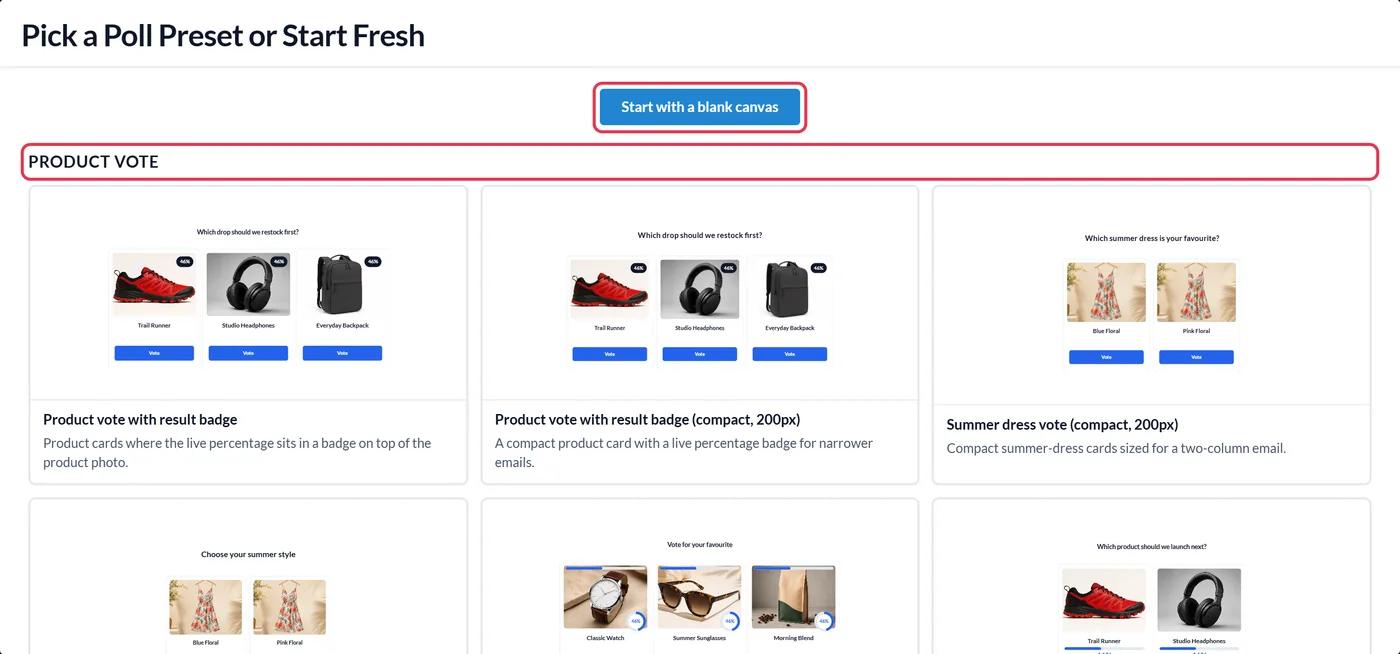
Go to Polls and click Create New. Choose a preset, such as a star rating or a product vote, or start with a blank canvas, then edit the answers.
Step 2: Enter the GetResponse merge word
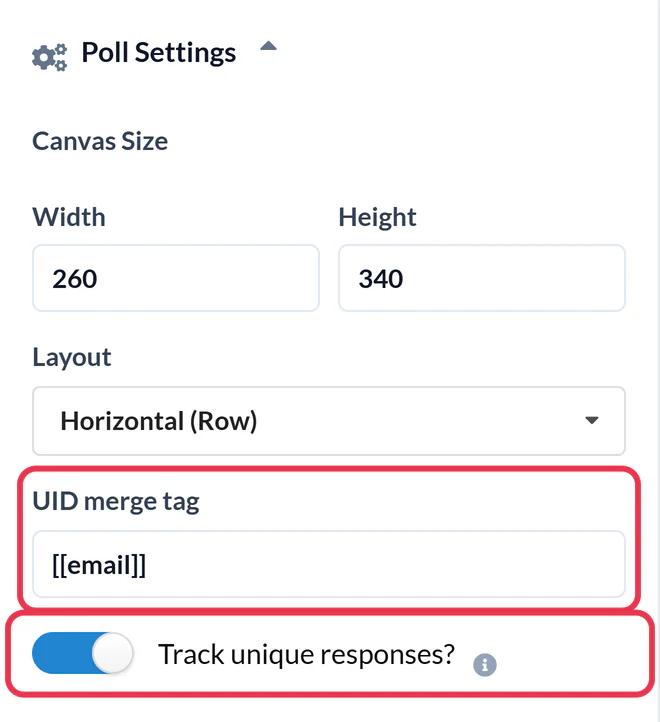
Open Poll Settings and put [[email]] in the UID merge tag field. GetResponse has no merge word for a contact ID, so Sendtric uses the email address to keep one vote per contact. Switch on Track unique responses? if you want a per-contact export, then Save.
GetResponse's help center also documents a newer format for its current message editor. If [[email]] isn't filled in when you preview the message (Step 5), use this instead:
{{CONTACT `subscriber_email`}}Step 3: Copy the HTML
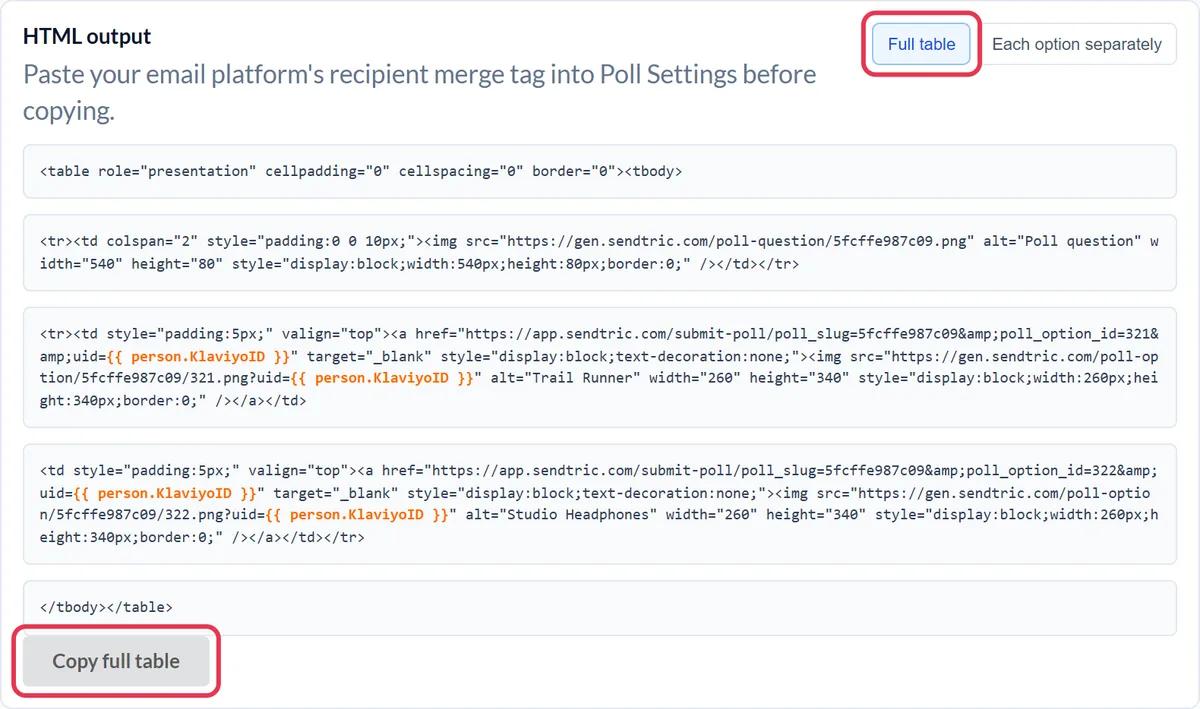
In HTML output, click Copy full table to copy every answer as one block.
Step 4: Drop a Custom HTML block into your message
In the GetResponse message editor, open Layout, expand Basic blocks and drag Custom HTML to where the poll should appear.
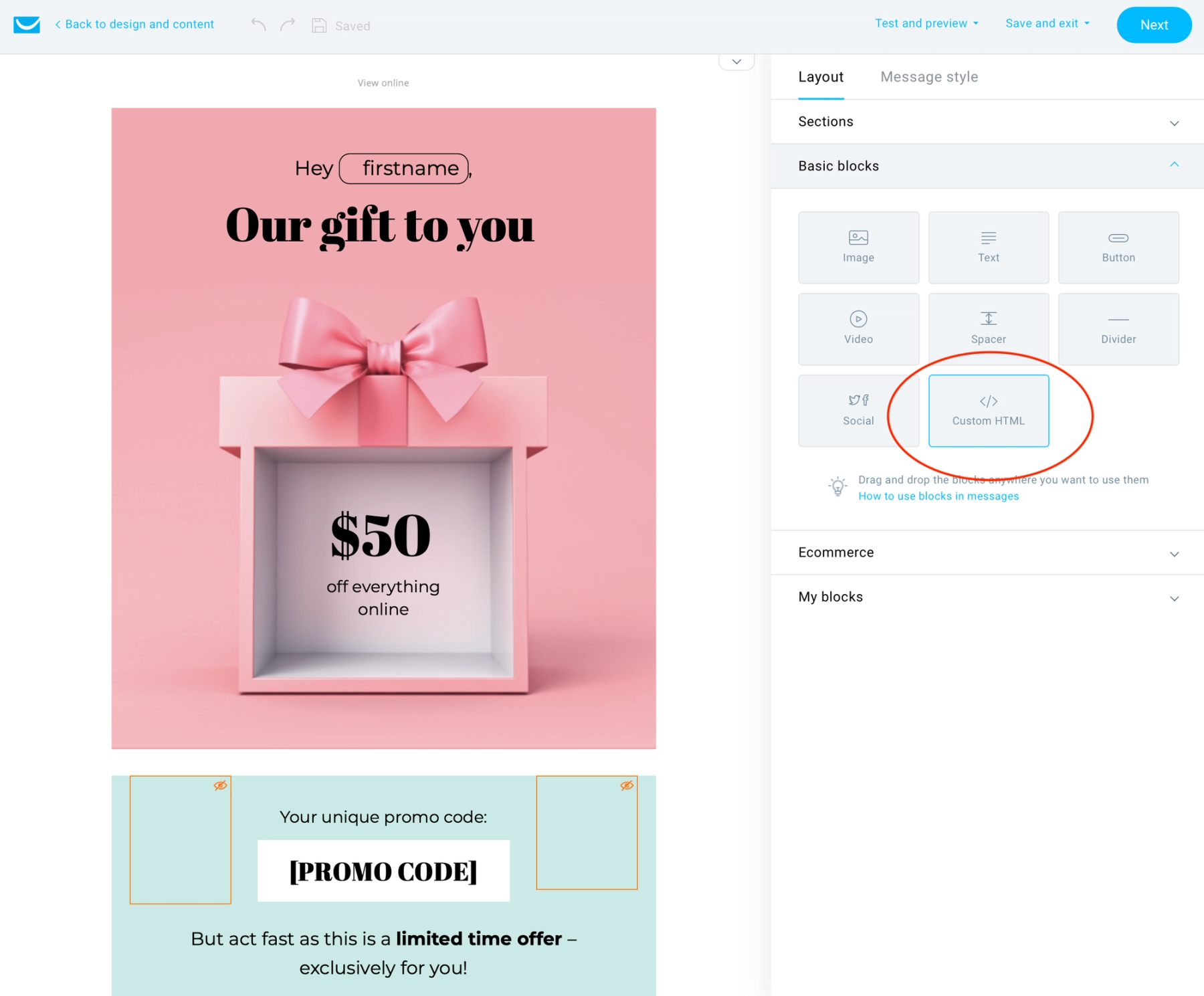
Select the block and paste the code into the HTML field in the panel on the right. The answers appear in the message preview.
Step 5: Test it the GetResponse way
GetResponse doesn't fill in personalization in test messages, so a test send would put the literal merge word in every vote. Check the code with the Preview instead, then add yourself and a colleague to a small list and send the message there as a newsletter. Vote from both inboxes: each vote should count separately.
Keep the poll's padding tidy
The Custom HTML block has its own padding setting. Set it to 0 if the answer images look indented compared with the rest of your message, and use the block's Hide on mobile devices option only if you also have a mobile version of the poll.
GetResponse Live Poll FAQ
Why does every test vote overwrite the last one?
Probably because you used a test message. GetResponse doesn't replace merge words in test messages, so every vote carries the same placeholder. Send the message to a small list instead.
Which merge word identifies each contact?
Use [[email]]. GetResponse doesn't offer a contact ID merge word, so the email address is how Sendtric keeps one vote per contact. Bear in mind that the per-contact export then lists email addresses.
Can I put a poll in a GetResponse automation message?
Yes. The poll is plain HTML with linked images, so it works in any message where you can add a Custom HTML block. Results keep adding up across every contact who gets it.
Does voting take people out of the email?
The poll and its results are in the email. A click opens a browser tab for a moment to record the vote, then shows your thank-you page or, on Power and above, a page you choose for that answer.
Can I close the poll after a certain date?
Yes, on Power and above. Set a Poll End Date and votes are no longer accepted after it.
Want to see what else you can do? Explore Sendtric's live polls in more detail, or browse the full email personalization toolkit.
More GetResponse guides
- Countdown Timers - How to Add Countdown Timers to GetResponse
- Personalized Images - How to Add Personalized Images to GetResponse
- Rule-Based Images - How to Add Rule-Based Images to GetResponse
- Dynamic Weather - How to Add Dynamic Weather to GetResponse
- Critical Alerts - How to Add Critical Alerts to GetResponse
- Social Proof Counters - How to Add Social Proof Counters to GetResponse
Using a different platform? See all Sendtric integrations.