
Email Countdown Timers
Increase your email conversions by up to 2x with Sendtric countdown timers. Customize them to match your brand and add them to your emails in minutes, for free.
Add Urgency To Your Emails
Boost Conversions
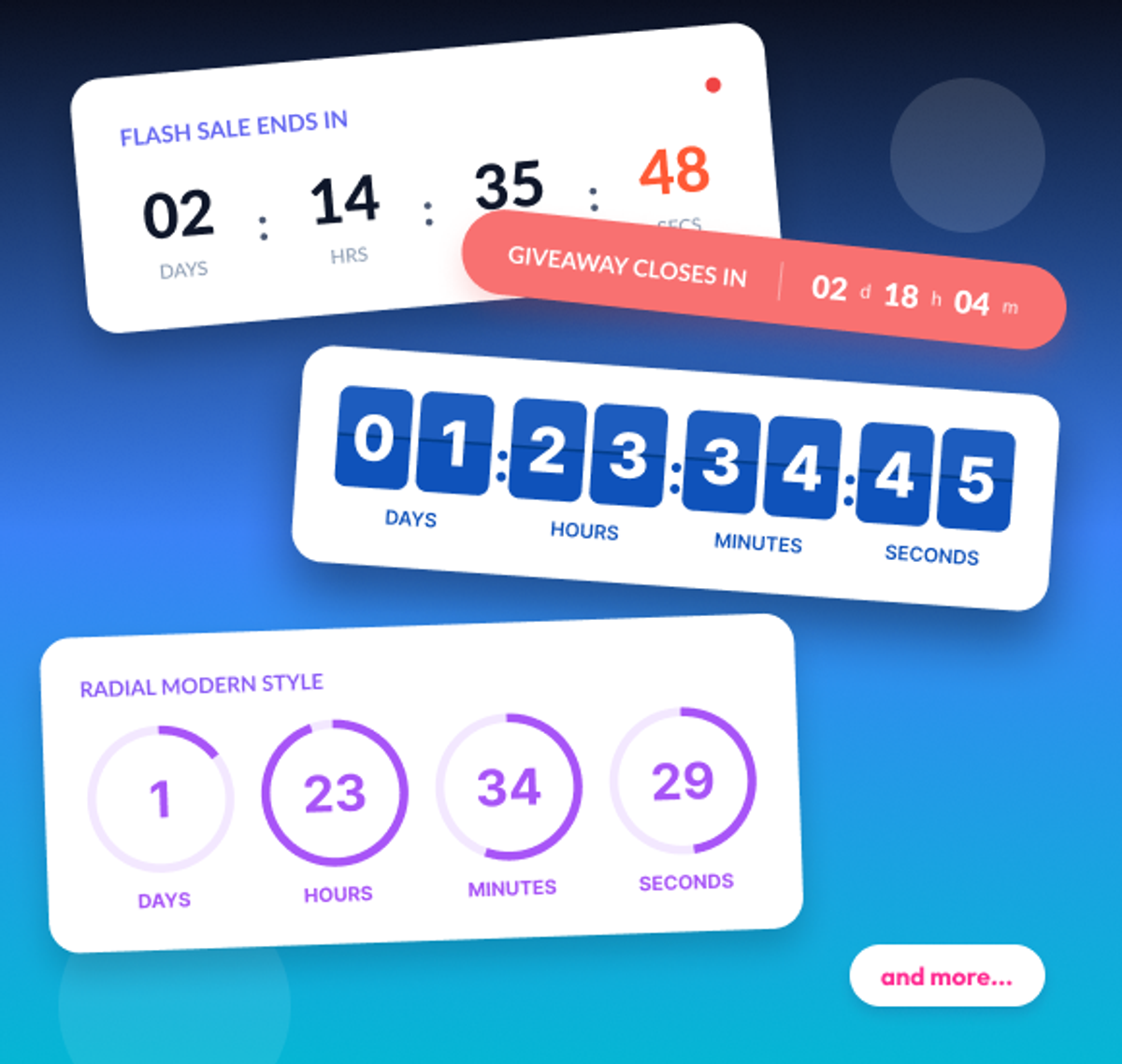
- 3 MinutesSetup Time
- 99.99%Uptime
- AllESPs & Email Clients
- 10s of BillionsViews Every Year
More than 200,000 companies trust Sendtric




















Create your free email countdown timer
- Fill out the form with your desired countdown options
- Click Generate
- Confirm your email address
- Copy and paste the provided HTML code into your email template
- Enjoy your free email countdown timer from Sendtric with 10,000 free monthly views.*
No watermark – Up to 10,000 monthly views* on our FREE Plan
*If you exceed 10,000 free views in a month, a watermark will appear until the limit resets. Upgrade to remove it at any time. Paid plans never show a watermark, even if the limit is exceeded.
Why Add Countdown Timers To Your Emails?
Countdown timers create urgency and give readers a reason to act now. They show the time remaining in real time whenever someone opens your email, helping turn deadlines into more clicks and conversions.
Provide Personalized Deadlines
Maximise Sales
Add Urgency To Your Emails
Add FOMO To Your Emails
Standard, Evergreen, & Dynamic Timers
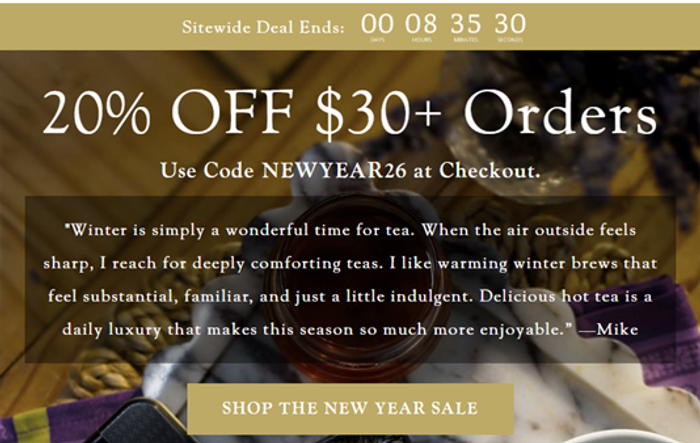
Standard Timers
Set one fixed date and time — every subscriber sees the same deadline.
- Seasonal Sales
- Holiday Promotions
- Product Launches & Events
Start-on-Email-Send & Dynamic End Date Timers
Starts counting down for a specified duration from the moment you hit send or until a specific end date and time.
- Abandoned Carts
- Automated Flows & Personalized Offers
- Trials & Subscriptions
Start on Email Open Timers
The countdown starts the moment each subscriber opens the email — a personal deadline for everyone.
- Abandoned Carts
- Evergreen Promotions
- Unique Timers
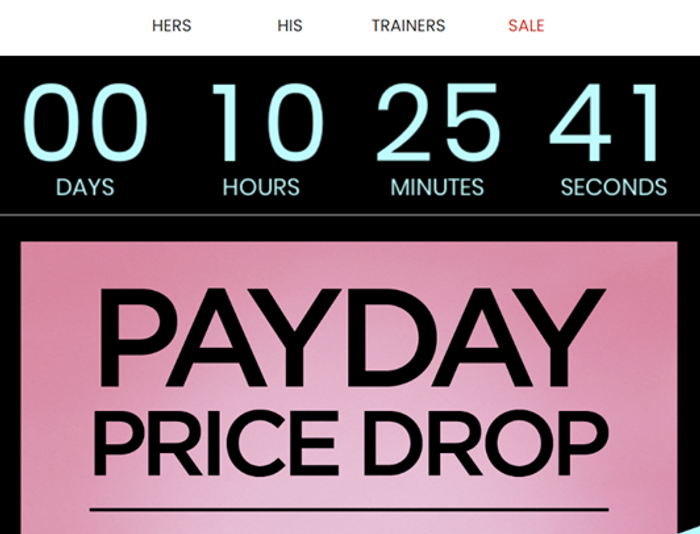
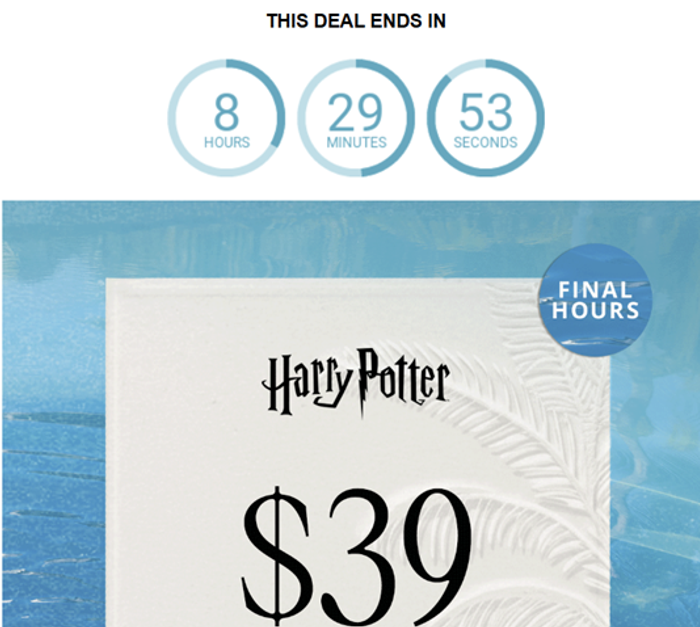
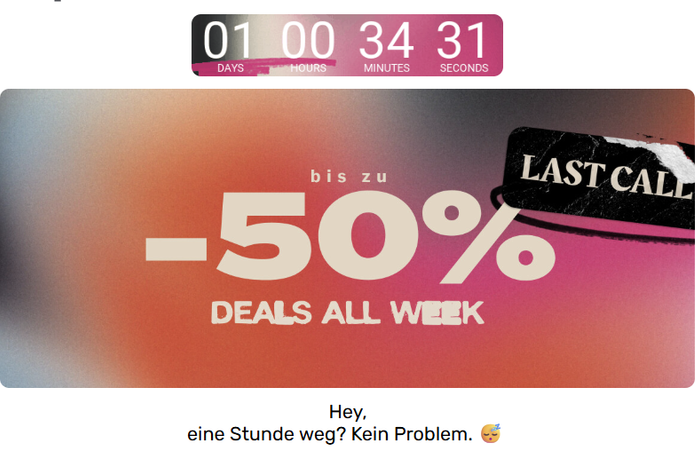
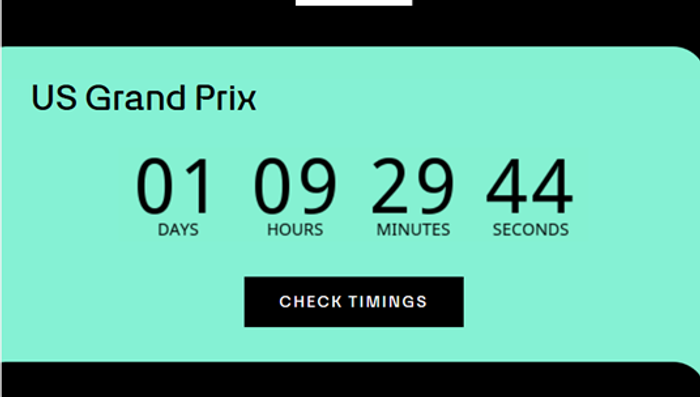
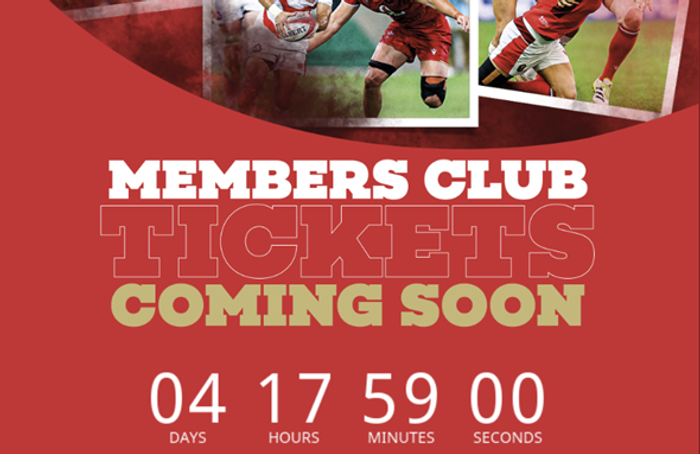
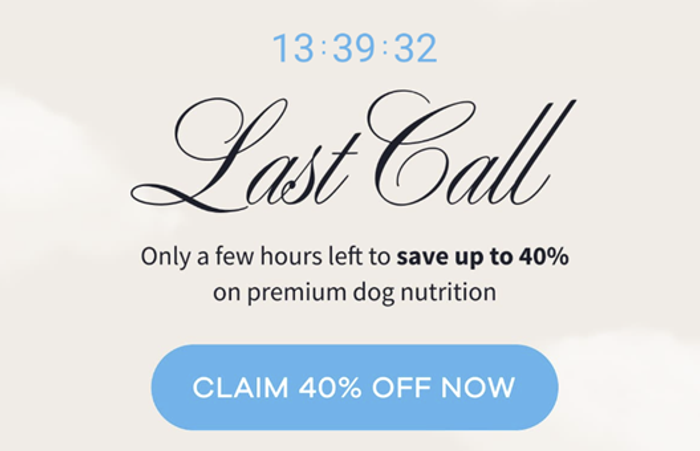
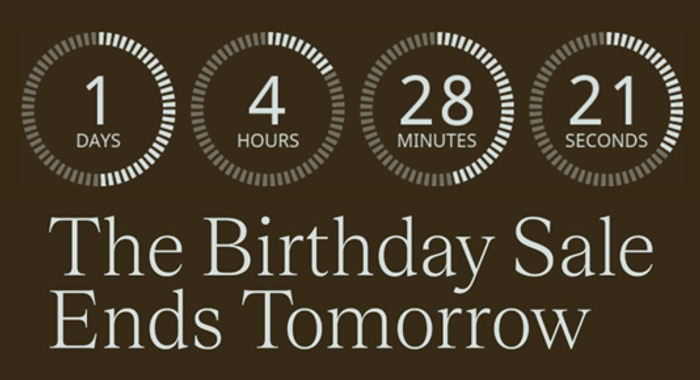

Count-Up Mode
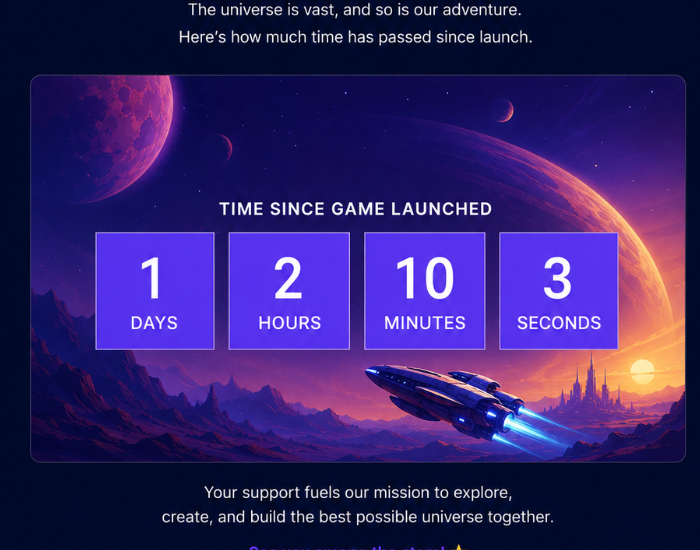
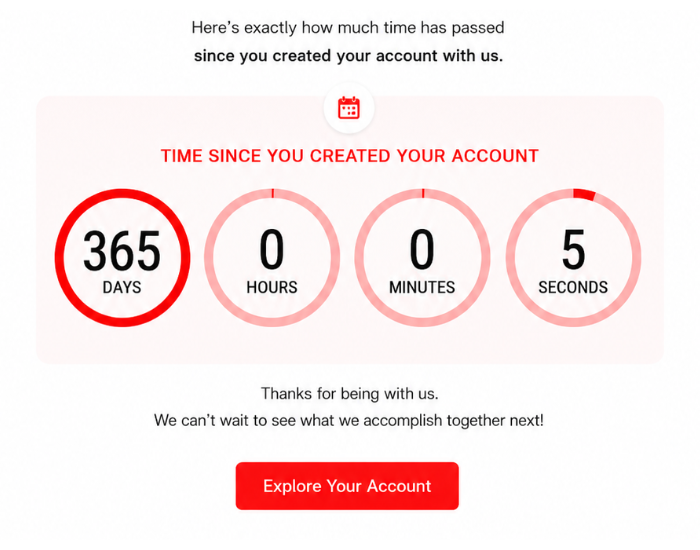
Count up instead of down with all the usual timer perks. Perfect for tracking the time that's passed since a launch, signup, or other milestone event instead of counting down towards a deadline.
Time Since Launch
Show subscribers how long a product, feature, or campaign has been live.
Member Since
Highlight how long a subscriber has been a customer or member as a loyalty touchpoint.
Milestone Tracking
Track elapsed time toward a goal, like days since a fundraiser or challenge began.
Dynamic Links
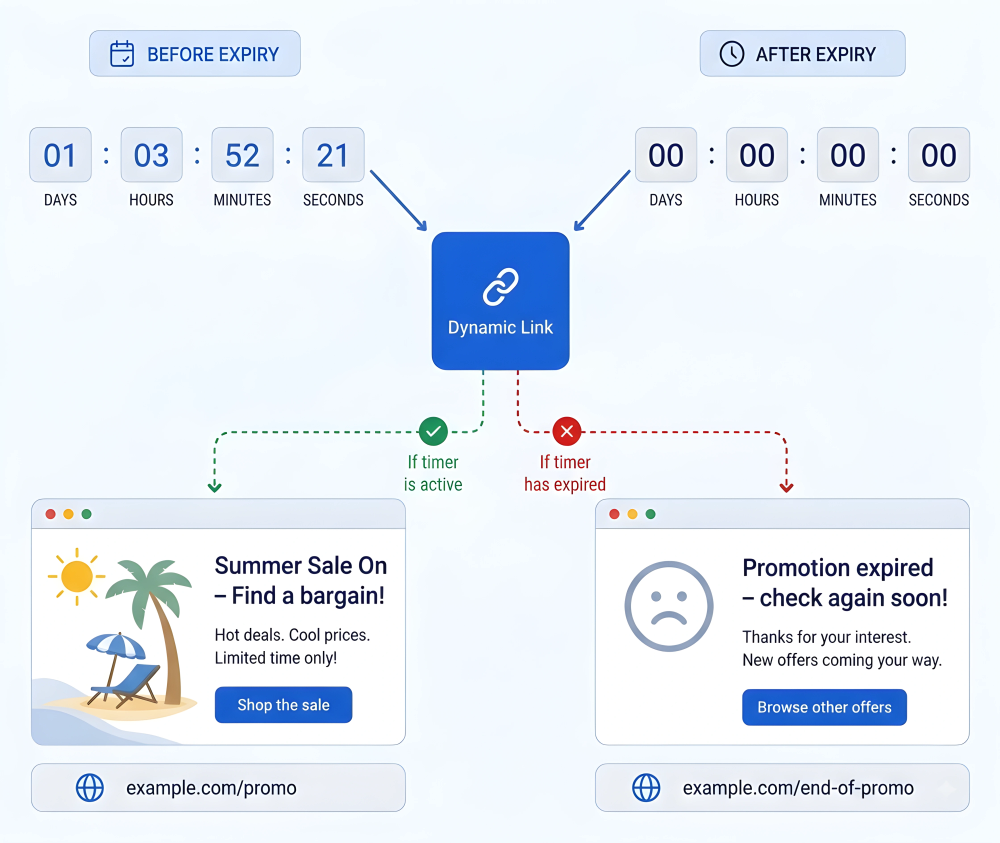
Add dynamic links to any buttons, images, and hyperlinks throughout the email that automatically point subscribers to different pages depending on whether the timer is still active or has already expired.
Active Offer Page
While the timer is running, links send users straight to the live offer or product page.
Expired Page
Once the timer expires, the same link redirect to a general shop page or an 'offer ended' page instead.
No Broken Promotions
Subscribers never land on a page promoting a deal that's already over.
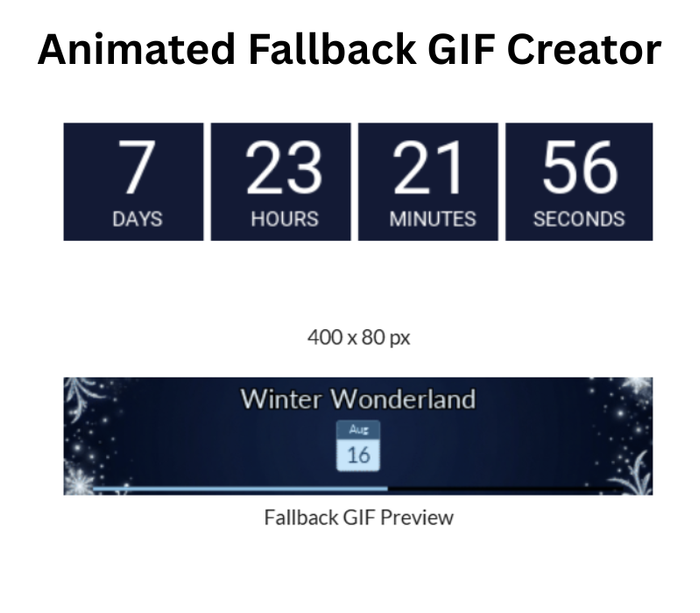
Fallback & Expiration Options
Choose exactly what happens when a client can't render the live timer, and what happens once the timer expires so a countdown never shows the incorrect time or an expired deal.
Fallback Options
How to handle scenarios when we detect that the email client cannot show the live time remaining.
- Create your own fallback animation with our GIF creator
- Upload your own fallback image or GIF
- Hide the timer
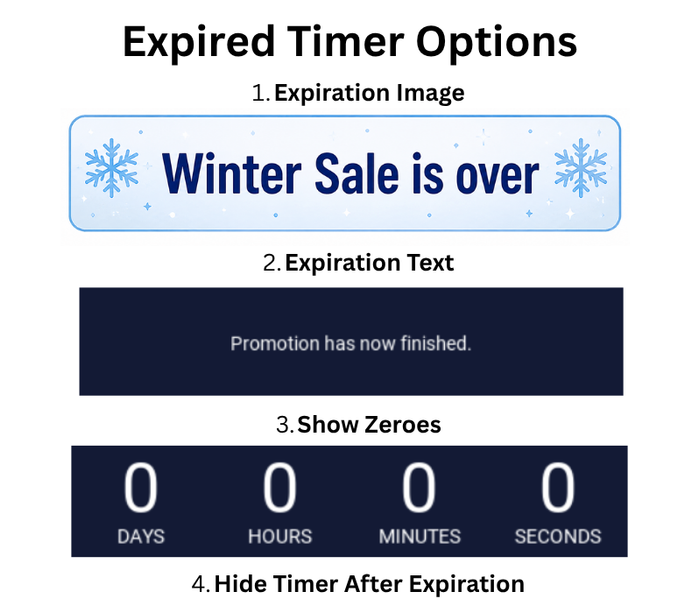
Expiration Options
What users see when the timer expires:
- Upload your own Expiration Image
- Show Expiration Text
- Hide the timer
- Show expired timer
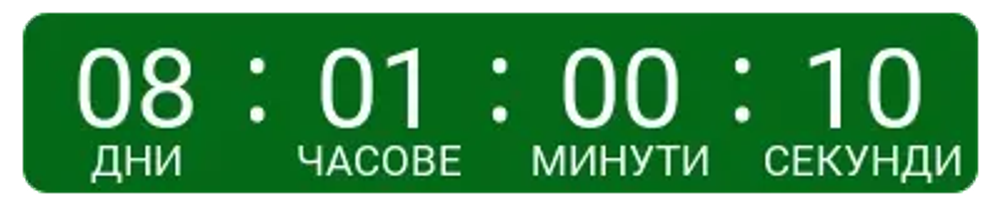
One Timer For Every Language
Your timer's labels can render in your subscriber's own language with no separate timer needed per locale. You can also create your own custom labels if you wish.
Multiple Languages, One Timer
Set your labels in your subscriber's own language or create your own custom labels
Build Your Timer in Less Than 3 Minutes
Set Your Deadline and Trigger
Choose your timer type and the date and time it should end.
Style It to Match Your Brand
Pick your colors, styles, and fonts, and preview the timer live as you customize it. No design or code work needed.
Copy and Paste Into Your Email
Copy the code and paste it into your ESP's template, HTML editor, or website. It works the same way in any platform.
Works With Every Major Email Platform
Sendtric’s email countdown timers and interactive email personalization widgets integrate seamlessly with all major email service providers, marketing automation platforms, CRMs and websites.
Add countdown timers to Mailchimp, Klaviyo and HubSpot, or use Sendtric with Salesforce Marketing Cloud, SendGrid, ActiveCampaign, Brevo, Braze, Iterable, GetResponse and many more leading email platforms. No installation or tech knowledge needed — simply create, copy & paste.
- No installation or tech knowledge needed. Simply create, copy & paste.
- Sendtric widgets are built within a reliable, tested infrastructure with 99.99% uptime.
- Optimized for fast loading times within your email templates.
- Follow our platform-specific setup guides or view all integrations to get started.
Why clients LOVE Sendtric...
“We couldn't be happier with Sendtric. It allows us to add value to our customers and see the NPS go up. The countdown feature has been an invaluable tool to drive revenue for our customers. It adds a touch of personalized dynamism and urgency to our users' campaigns, effectively motivating their customers to act promptly.”
Founder of WoowUp
“At Splio, we are thrilled to share how Sendtric has transformed customer engagement through its exceptional countdown feature. This powerful tool allows us to personalize our customers' campaigns and instill a sense of excitement and urgency, driving the end-customers to take immediate action. With Sendtric, we have elevated our customer satisfaction. It's very quick & simple to install together with Beefree, allowing us to generate instant value.”
VP of Product at Splio

Explore Sendtric's Other Widgets
- See Email Personalization: personalize every email to improve user engagement and conversions.
- See Image Personalization: show a personalized image to every user using dynamic elements.
- See Rule-Based Images: show a different image or widget to every user based on set conditions.
- See Dynamic Weather: trigger personalized experiences off a live, location-based forecast.
- See Email Polls: in-email polls that collect feedback directly within the email.
- See Digital Scratch Off: add a fun, interactive discount reveal to your email campaigns.
- See Critical Alerts: update an email's content after it's already been sent.
- See Social Proof Counters: show live view and open counts to build trust and urgency.
Frequently Asked Questions
Do I need a developer or any code to set up a countdown timer?
No developer or coding required. Sendtric's timers work through a standard image. You create the timer, copy the code, and paste it into your email template.. No installation or technical knowledge is required.
Will the countdown timer work with my ESP or email builder?
Yes. Because the timer is a standard image tag, it works in any ESP or email builder that supports images, including Mailchimp, Klaviyo, HubSpot, Salesforce Marketing Cloud, SendGrid, ActiveCampaign, Brevo, Braze, Iterable, GetResponse, and 100+ other platforms.
What happens on the Free plan if my emails get a lot of opens?
The Free plan includes 10,000 views a month. If you go over that in a given month, a watermark appears on the timer until the next month resets.
All paid plans never show a watermark, even if the view limit is exceeded.
We send emails to millions of users, will Sendtric's timers handle that load?
Yes. Sendtric’s timers are optimized for speed and reliability and we handle billions of views for our many enterprise clients.
Can I make the timer match my brand?
Yes. You get full control over colors, styles, and layout on every plan. Enterprise plans can also add custom fonts.
How Does Sendtric compare to other timer providers?
Sendtric has over 10 years experience with email countdown timers and other email widgets with a 99.99% average uptime and lightning fast loading speeds and we can cater for both enterprises, agencies, ESPs, and small businesses.
We have the most generous free plan with 10,000 free monthly views without a watermark and versatile features and fallback options.
We may be biased, but there is a reason we have over 200,000 customers using our widgets.