
Polls for Emails
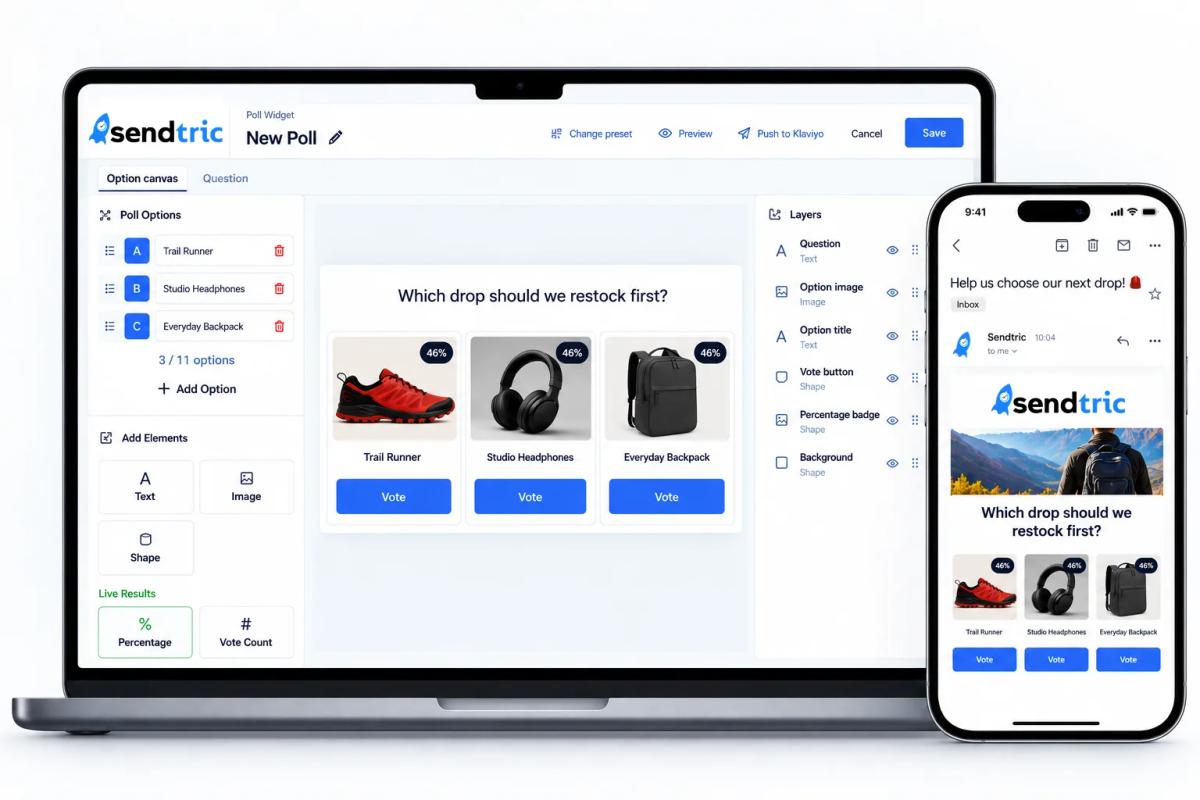
Add interactive polls to your emails and collect real feedback straight from the inbox. Show live results to improve engagement.
- 3 MinutesSetup Time
- 99.99%Uptime
- AllESPs & Email Clients
- 10s of BillionsViews Every Year
More than 200,000 companies trust Sendtric




















Why Use Polls in Emails?
Polls turn your emails into two-way conversations. They give subscribers a reason to engage and give you real feedback, right from the inbox.
Boost Email Engagement
Get Instant Audience Insights
Build Stronger Relationships
Track Trends Over Time
Multiple Choice Polls
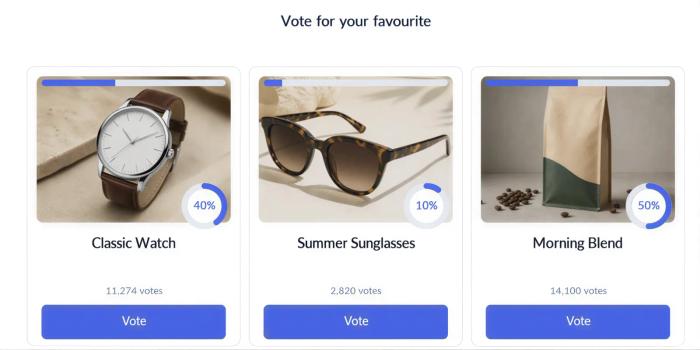
Ask your subscribers to choose from a list of as many options as you like. Multiple choice polls work well for product research, gauging preferences, and collecting structured feedback, all without sending anyone outside their inbox.
Yes / No Votes
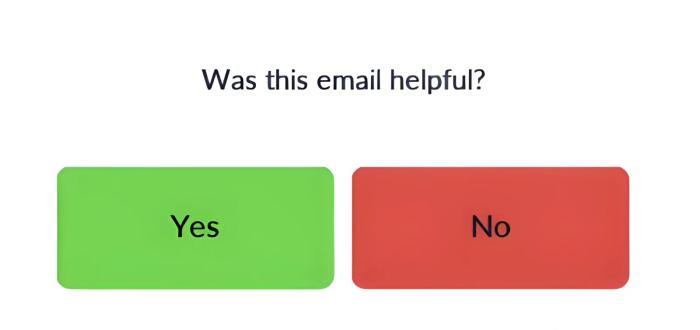
Simple and effective, Yes/No polls are great for quick feedback and engagement. Ask a single clear question, like "Did you enjoy our last webinar?" or "Should we bring back free shipping?", and get an instant read on what your audience thinks.
NPS Feedback (0–10)
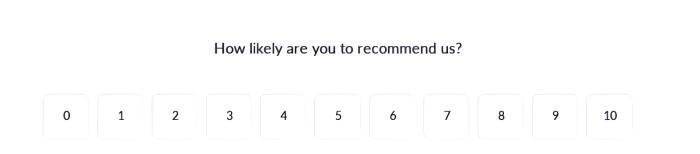
Run a true Net Promoter Score survey right from the inbox. Ask a question like "How likely are you to recommend us to a friend or colleague?" and let subscribers respond on a 0–10 scale. It’s ideal for benchmarking loyalty and tracking NPS over time.
Scale / Rate (1–5)
Looking for more nuanced feedback? Rating scales let you ask questions like "How would you rate your experience?" or "How likely are you to recommend us?" and capture a range of sentiment, not just a binary answer. Use numbers, stars, emojis, or any icon set you like to match your brand.
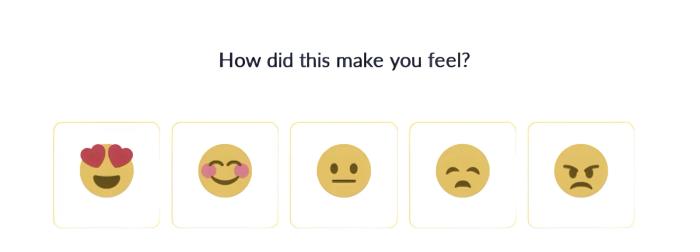
Design Every Part Of Your Poll

Text Elements
Add custom text anywhere on your poll, from headlines to instructions or extra context for your subscribers, and style it to match your brand.

Image Elements
Drop in your own images, icons, or graphics to make each poll feel like a natural part of your email, not a bolted-on widget.

Shape Elements
Use shapes to add structure, dividers, or visual emphasis to your poll design. No code required.
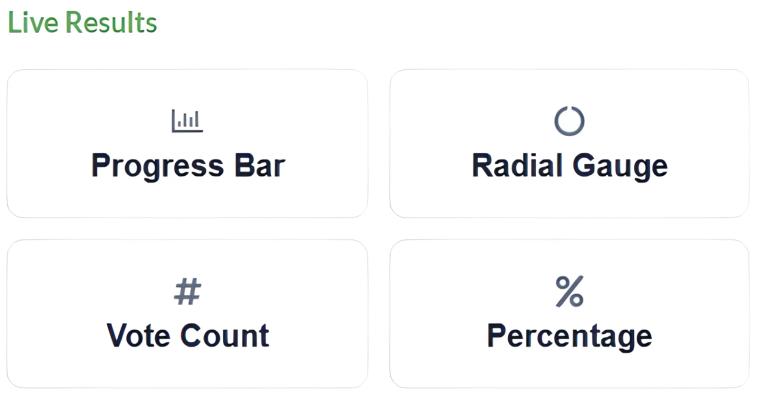
Live Results
Show subscribers how others are voting in real time, right inside the poll, to encourage participation.
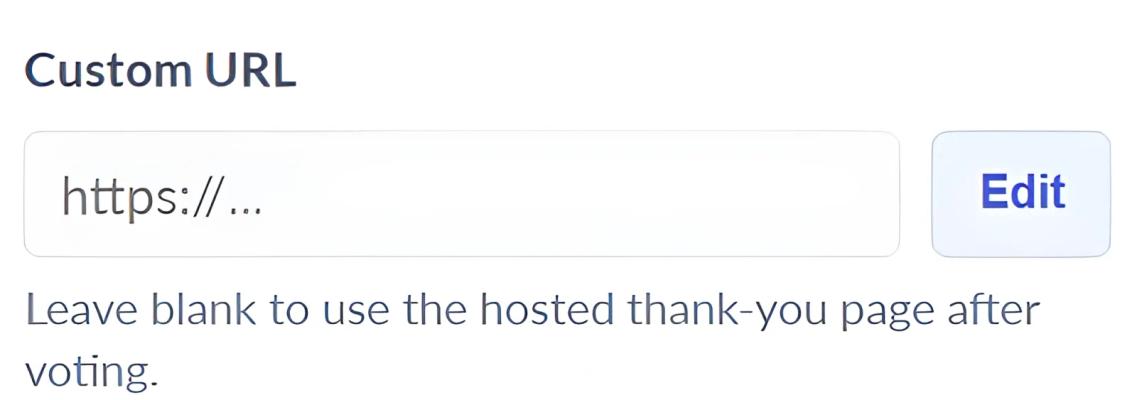
Custom Redirects Per Option
Send each answer to a different destination. A "Yes" vote can lead to a signup page while a "No" vote leads to a feedback form, all set directly in the poll editor.
How to Get Started
Adding a poll to your next email marketing campaign is easy with Sendtric:
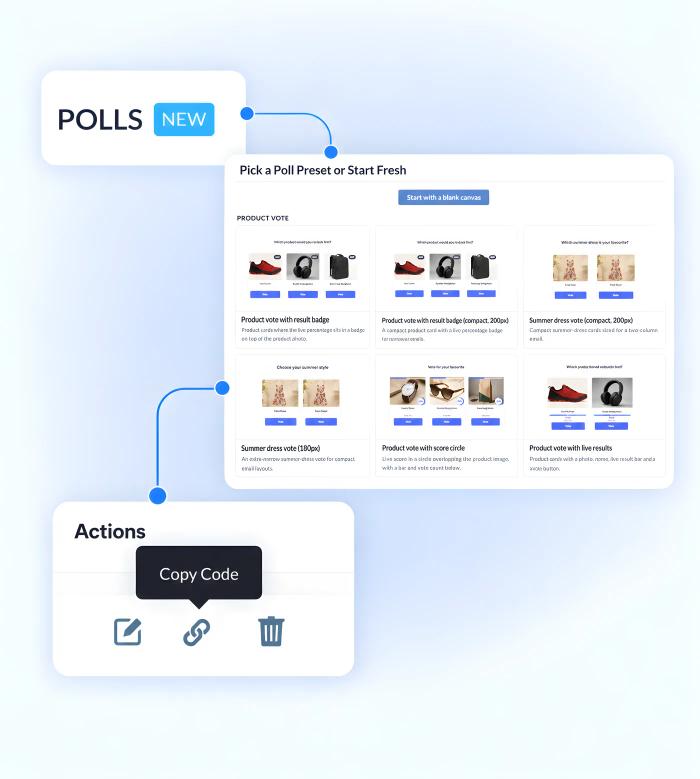
- Select the Poll widget in the dashboard and choose a poll preset or blank canvas to start editing.
- Customize your poll answer options, question, and visuals. Add text, image, shape, and live result elements.
- Set a custom redirect for each answer option, or use the default thank you page.
- Copy, paste, and embed the code into your email.
- Hit send and start gathering responses immediately.
Whether you're a marketer looking to optimize campaigns or a creator connecting with your community, Sendtric's Polls for Emails feature helps turn passive scrollers into active, engaged participants.
Works With Every Major Email Platform
Sendtric’s polls widget and interactive email personalization widgets integrate seamlessly with all major email service providers, marketing automation platforms, CRMs and websites.
Add polls to Mailchimp, Klaviyo, HubSpot, Salesforce Marketing Cloud and 100s of other ESPs. No installation or tech knowledge needed. Simply create, copy & paste.
- No installation or tech knowledge needed. Simply create, copy & paste.
- Sendtric widgets are built within a reliable, tested infrastructure with 99.99% uptime.
- Optimized for fast loading times within your email templates.
- Follow our platform-specific setup guides or view all integrations to get started.
Why clients LOVE Sendtric...
“We couldn't be happier with Sendtric. It allows us to add value to our customers and see the NPS go up. The countdown feature has been an invaluable tool to drive revenue for our customers. It adds a touch of personalized dynamism and urgency to our users' campaigns, effectively motivating their customers to act promptly.”
Founder of WoowUp
“At Splio, we are thrilled to share how Sendtric has transformed customer engagement through its exceptional countdown feature. This powerful tool allows us to personalize our customers' campaigns and instill a sense of excitement and urgency, driving the end-customers to take immediate action. With Sendtric, we have elevated our customer satisfaction. It's very quick & simple to install together with Beefree, allowing us to generate instant value.”
VP of Product at Splio

Email Poll Use Cases
See how marketers use it in real campaigns:
- Collect NPS & Customer Satisfaction Feedback in Post-Purchase Emails: one-click feedback in post-purchase emails.
- Let Subscribers Vote on Your Next Product with Email Polls: let subscribers choose what you make next.
Explore Sendtric's Other Widgets
- See Email Countdown Timer: add a live, real-time countdown timer inside the email to create urgency.
- See Email Personalization: personalize every email to improve user engagement and conversions.
- See Image Personalization: show a personalized image to every user using dynamic elements.
- See Rule-Based Images: show a different image or widget to every user based on set conditions.
- See Dynamic Weather: trigger personalized experiences off a live, location-based forecast.
- See Digital Scratch Off: add a fun, interactive discount reveal to your email campaigns.
- See Critical Alerts: update an email's content after it's already been sent.
- See Social Proof Counters: show live view and open counts to build trust and urgency.
Frequently Asked Questions
Do I need a developer or any code to set up a poll?
No developer or coding required. You build your poll in Sendtric’s visual editor, copy the generated code, and paste it into your email template. No installation or technical knowledge is required.
Will the poll widget work with my ESP or email builder?
Yes. Sendtric’s polls work in any ESP or email builder that supports HTML, including Mailchimp, Klaviyo, HubSpot, Salesforce Marketing Cloud, SendGrid, ActiveCampaign, Brevo, Braze, Iterable, GetResponse, and 100+ other platforms.
Can each answer option redirect somewhere different?
Yes. Every answer option can have its own custom redirect URL, so a "Yes" vote can lead to one page and a "No" vote to another, or you can use Sendtric’s built-in, customizable thank you page instead.
Can I see who answered what?
Yes, with Unique ID tracking enabled. Replace the {{UID}} placeholders in your poll’s code with a unique variable from your ESP (or your own unique identifier), and Sendtric will generate a response report matching each answer back to that ID.
What does the Live Results element show?
The Live Results element displays real-time voting results directly inside the poll itself, so subscribers can see how others are responding as votes come in.
Can I get a report of my poll results?
Yes. Your Sendtric dashboard gives you a visual chart report of how each option performed, plus a downloadable CSV report of individual answers whenever you need deeper analysis.