
Social Proof Counters For Email
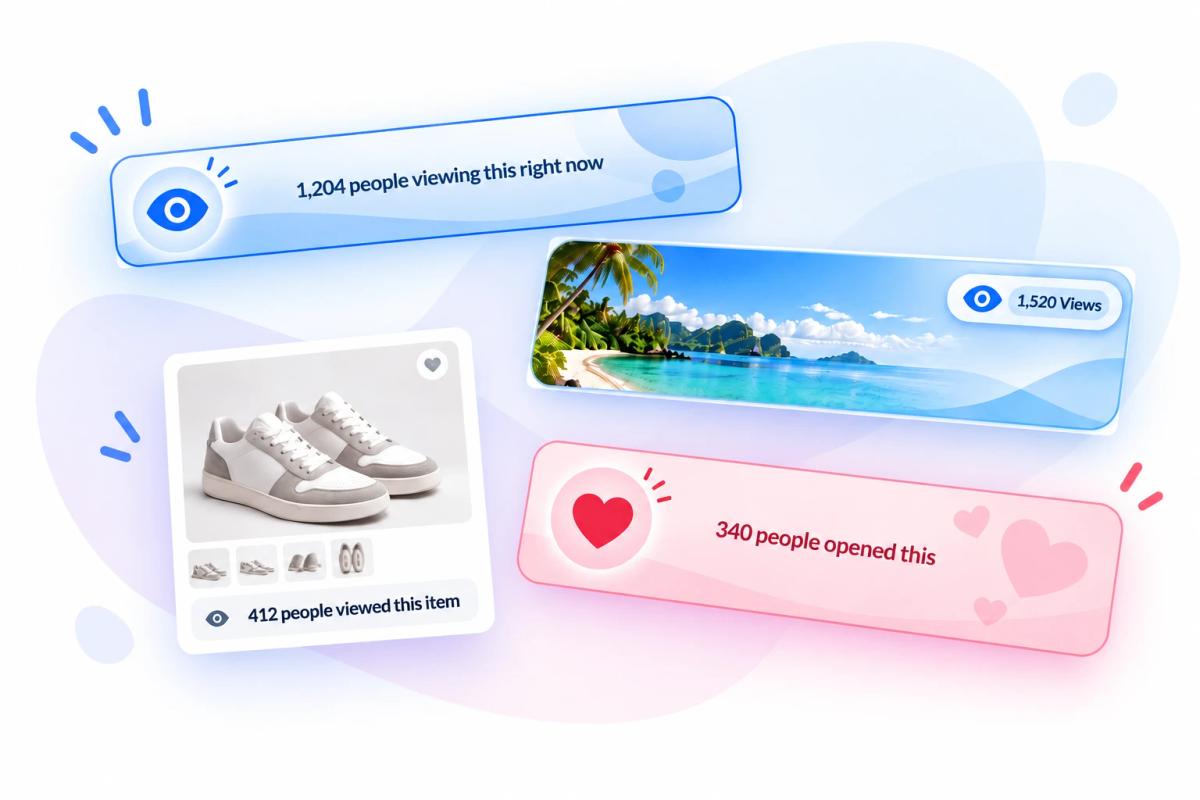
Show subscribers real engagement as it happens, with live view and open counters inside your emails.
- 3 MinutesSetup Time
- 99.99%Uptime
- AllESPs & Email Clients
- 10s of BillionsViews Every Year
More than 200,000 companies trust Sendtric




















Why Add Social Proof Counters To Your Emails?
Social proof counters are images that update live, showing subscribers exactly how popular your content or offer really is.
Show Real Engagement
Create Genuine Urgency
Build Customer Trust
Update Anytime
Social Counters - Views
A Views counter updates live to show subscribers how many times your email has been viewed, turning real engagement into visible social proof.
Set a minimum threshold so it only appears once enough views come in, with fallback text or a hidden counter until then. Add an initial seed value to start the count higher than zero.
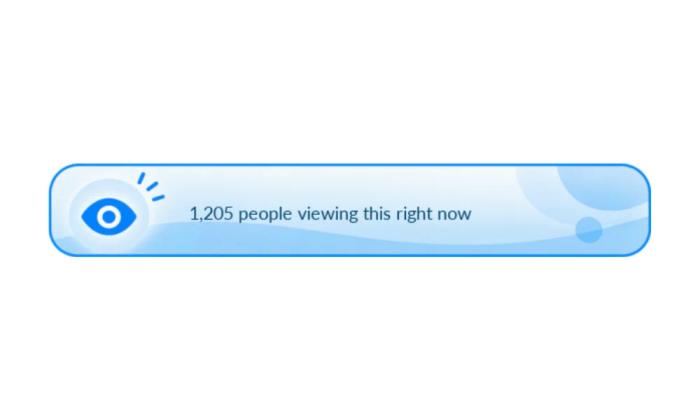
Social Counters - Opens & Dynamic Links
An Opens counter tracks how many times a specific button or link has been clicked, using a dynamic link Sendtric generates for you. Point that link at any URL you choose, place it on any button or hyperlink in your email, and change the destination whenever you like.
You can set a minimum threshold, fallback options, and an initial seed value just like in the views counter.
Works With Every Major Email Platform
Sendtric’s social proof counters and interactive email personalization widgets integrate seamlessly with all major email service providers, marketing automation platforms, CRMs and websites.
Add social proof counters to Mailchimp, Klaviyo, HubSpot, Salesforce Marketing Cloud and 100s of other ESPs. No installation or tech knowledge needed. Simply create, copy & paste.
- No installation or tech knowledge needed. Simply create, copy & paste.
- Sendtric widgets are built within a reliable, tested infrastructure with 99.99% uptime.
- Optimized for fast loading times within your email templates.
- Follow our platform-specific setup guides or view all integrations to get started.
Why clients LOVE Sendtric...
“We couldn't be happier with Sendtric. It allows us to add value to our customers and see the NPS go up. The countdown feature has been an invaluable tool to drive revenue for our customers. It adds a touch of personalized dynamism and urgency to our users' campaigns, effectively motivating their customers to act promptly.”
Founder of WoowUp
“At Splio, we are thrilled to share how Sendtric has transformed customer engagement through its exceptional countdown feature. This powerful tool allows us to personalize our customers' campaigns and instill a sense of excitement and urgency, driving the end-customers to take immediate action. With Sendtric, we have elevated our customer satisfaction. It's very quick & simple to install together with Beefree, allowing us to generate instant value.”
VP of Product at Splio

Explore Sendtric's Other Widgets
- See Email Countdown Timer: add a live, real-time countdown timer inside the email to create urgency.
- See Email Personalization: personalize every email to improve user engagement and conversions.
- See Image Personalization: show a personalized image to every user using dynamic elements.
- See Rule-Based Images: show a different image or widget to every user based on set conditions.
- See Dynamic Weather: trigger personalized experiences off a live, location-based forecast.
- See Email Polls: in-email polls that collect feedback directly within the email.
- See Digital Scratch Off: add a fun, interactive discount reveal to your email campaigns.
- See Critical Alerts: update an email's content after it's already been sent.
Frequently Asked Questions
Do I need a developer or any code to set up a social proof counter?
No developer or coding required. You design the counter in Sendtric’s visual editor, copy the generated code, and paste it into your email template. No installation or technical knowledge is required.
Will social proof counters work with my ESP or email builder?
Yes. Social proof counters work in any ESP or email builder that supports HTML, including Mailchimp, Klaviyo, HubSpot, Salesforce Marketing Cloud, SendGrid, ActiveCampaign, Brevo, Braze, Iterable, GetResponse, and 100+ other platforms.
What's the difference between a Views counter and an Opens counter?
A Views counter counts how many times your email has been opened. An Opens counter counts how many times a specific button or link inside the email has been clicked, using a dynamic link Sendtric provides.
Can I set a minimum count before the counter shows?
Yes. Set a minimum threshold, and the counter stays hidden or shows fallback text until that threshold is reached.
Can I start the counter at a number higher than zero?
Yes. Add an initial seed value, and it's added to the real view or open count shown to subscribers.
Can I change where a dynamic link redirects to?
Yes. You can update a dynamic link's destination URL at any time, even after your email has been sent.
Can I customize how the counter looks?
Yes. The counter’s design can use all the usual elements, including personalized and dynamic content, and you can update it at any time.