
Critical Alerts for Email Campaigns
React to unexpected changes easily and instantly update your email content without having to resend.




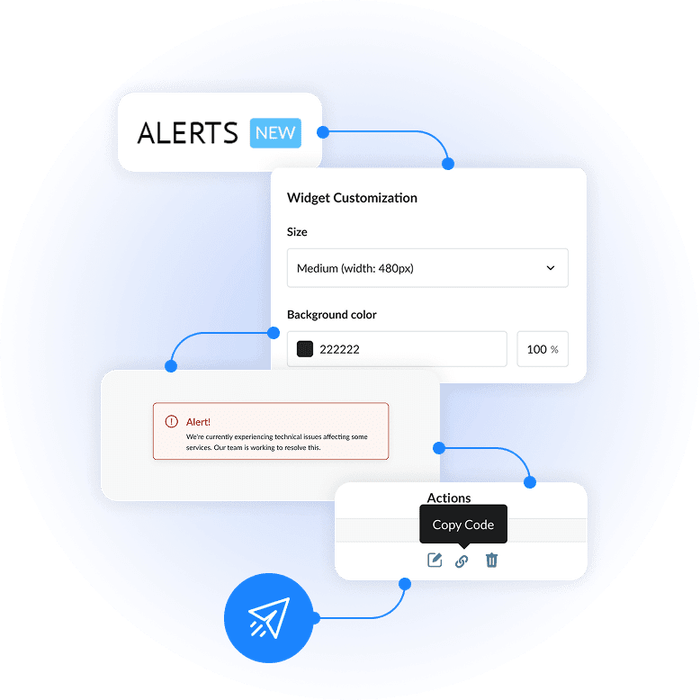
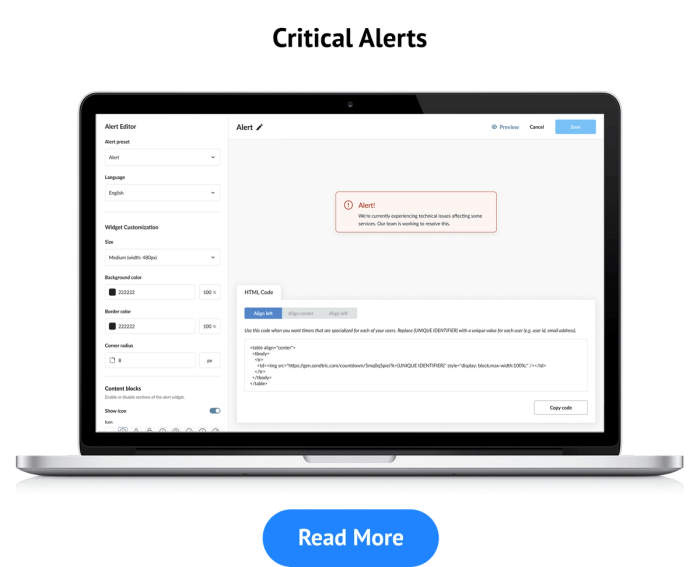
Critical Alerts Widget
Unfortunately, email campaigns don’t always go to plan! Stock runs out quicker than expected, event timings have to change, or other critical information needs to be shared with your audience fast.
With Sendtric’s new Critical Alerts feature, there’s no need to panic when things don’t go the way you intended. You can now update your email’s content even after you’ve hit ‘send’ in just a few steps. By embedding an invisible pixel into your email, you can push urgent updates to your audience in real time.
More than 200,000 companies trust Sendtric




















What are Critical Alerts?
Critical alerts give you a safety net to adjust content or send out updates days after campaigns have been sent out to your audience. Rather than having static content which can’t be edited, you can activate an alert message inside the email.
Use Case for Critical Alerts
Let’s say you launch a new range of workout clothes and, as part of your wider marketing campaign, send out an email announcing its availability. In just a few hours, demand exceeds expectations, and the workout clothes sell out.
Rather than leaving customers frustrated or confused about why they’re unable to purchase these newly-launched products, you can activate a critical alert saying: “We’re blown away by your response! Stock is temporarily sold out, but don’t worry, more is arriving in 4 days.”
Just like that, you’ve kept your audience informed and maintained your brand’s credibility.
Why Use Critical Alerts?
- Fix issues fast: Changes or issues can be communicated in minutes and without having to send another email.
- Protect your brand: Updating email content with messages keeps that positive sentiment toward your brand.
- Enhance customers’ trust: Be the brand that is responsive and transparent rather than one which ignores its audience.
- Save time and effort: Spend minutes updating existing emails rather than creating and sending a new email campaign, which can take hours.
How to Use Critical Alerts
- Add the Critical Alerts widget to your email campaign before sending.
- Your emails will be delivered as normal, with the invisible pixel embedded.
- Simply activate the alert via Sendtric if you need to change or add important information after sending.
- Subscribers who look at the email again will see the updated message on reopening.
How Critical Alerts Can be Used Across Industries
- E-commerce: Make customers aware of low product levels and communicate sudden shipping delays with ease.
- Events: Last-minute venue changes or weather warnings can be sent to attendees in minutes.
- Software and SaaS: Users can be made aware of unexpected bug fixes or downtime alerts at a moment’s notice.
- Hospitality: Communicate with diners if tables are suddenly made available or your restaurant has to close for an unexpected reason.
Did You Know? We have Other Widgets
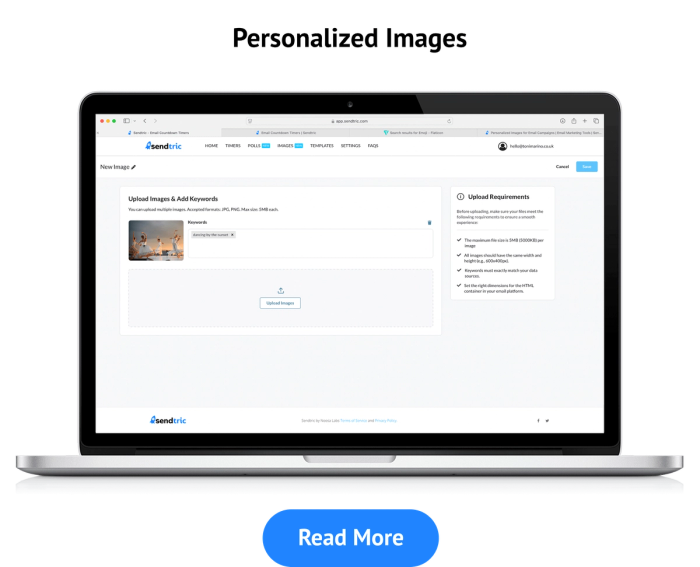
- Our Personalised Image Tool adds even more relevance to your campaigns.
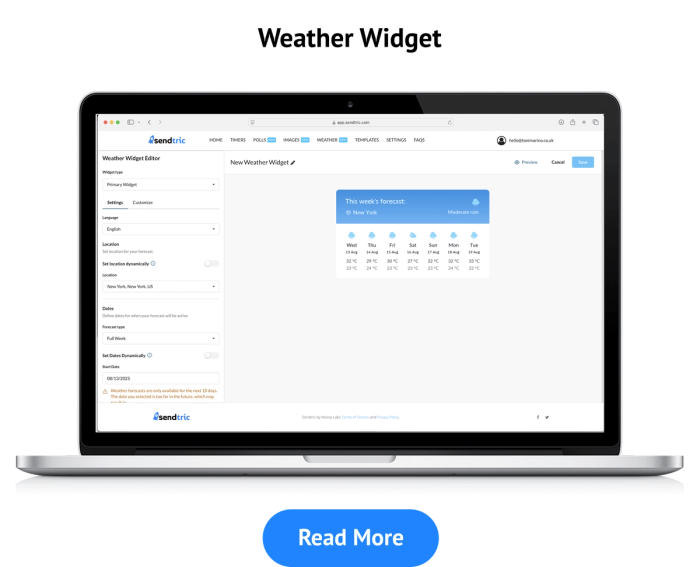
- Include a live, accurate forecast in your email campaigns with our Weather Widget.
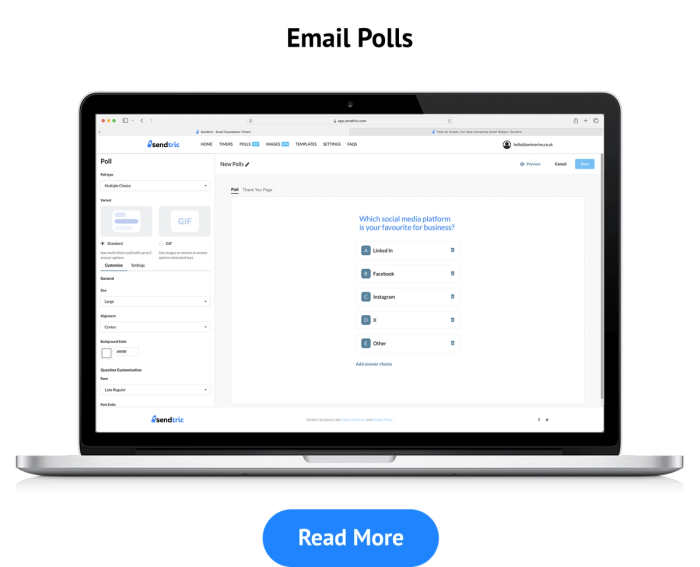
- Get to know your audience's thoughts and opinions with our Polls For Emails widget.
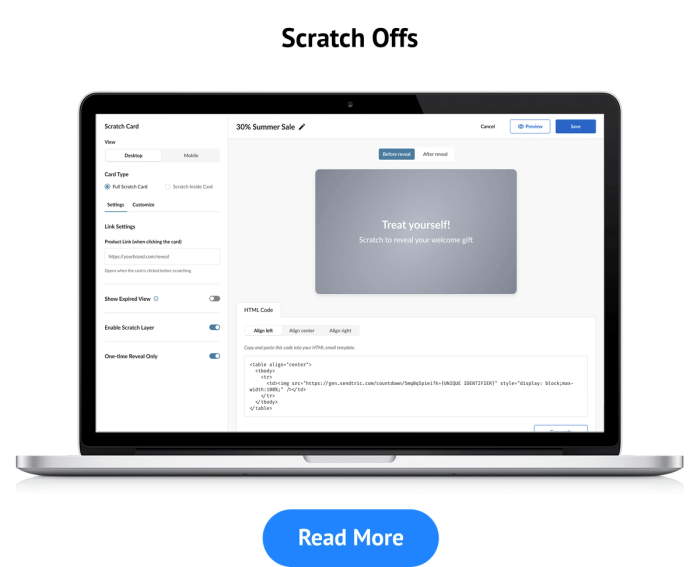
- Our Digital Scratch Off feature can give your audience discounts and freebies.
Stay in Control of Your Emails
You’re never locked into the content of an email campaign with Critical Alerts. You can keep audiences informed of changes with these easy-to-deploy announcements.
Use Critical Alerts today to take total control of your email communications.
Why clients LOVE Sendtric...
“We couldn't be happier with Sendtric. It allows us to add value to our customers and see the NPS go up. The countdown feature has been an invaluable tool to drive revenue for our customers. It adds a touch of personalized dynamism and urgency to our users' campaigns, effectively motivating their customers to act promptly.”
Founder of WoowUp
“At Splio, we are thrilled to share how Sendtric has transformed customer engagement through its exceptional countdown feature. This powerful tool allows us to personalize our customers' campaigns and instill a sense of excitement and urgency, driving the end-customers to take immediate action. With Sendtric, we have elevated our customer satisfaction. It's very quick & simple to install together with Beefree, allowing us to generate instant value.”
VP of Product at Splio