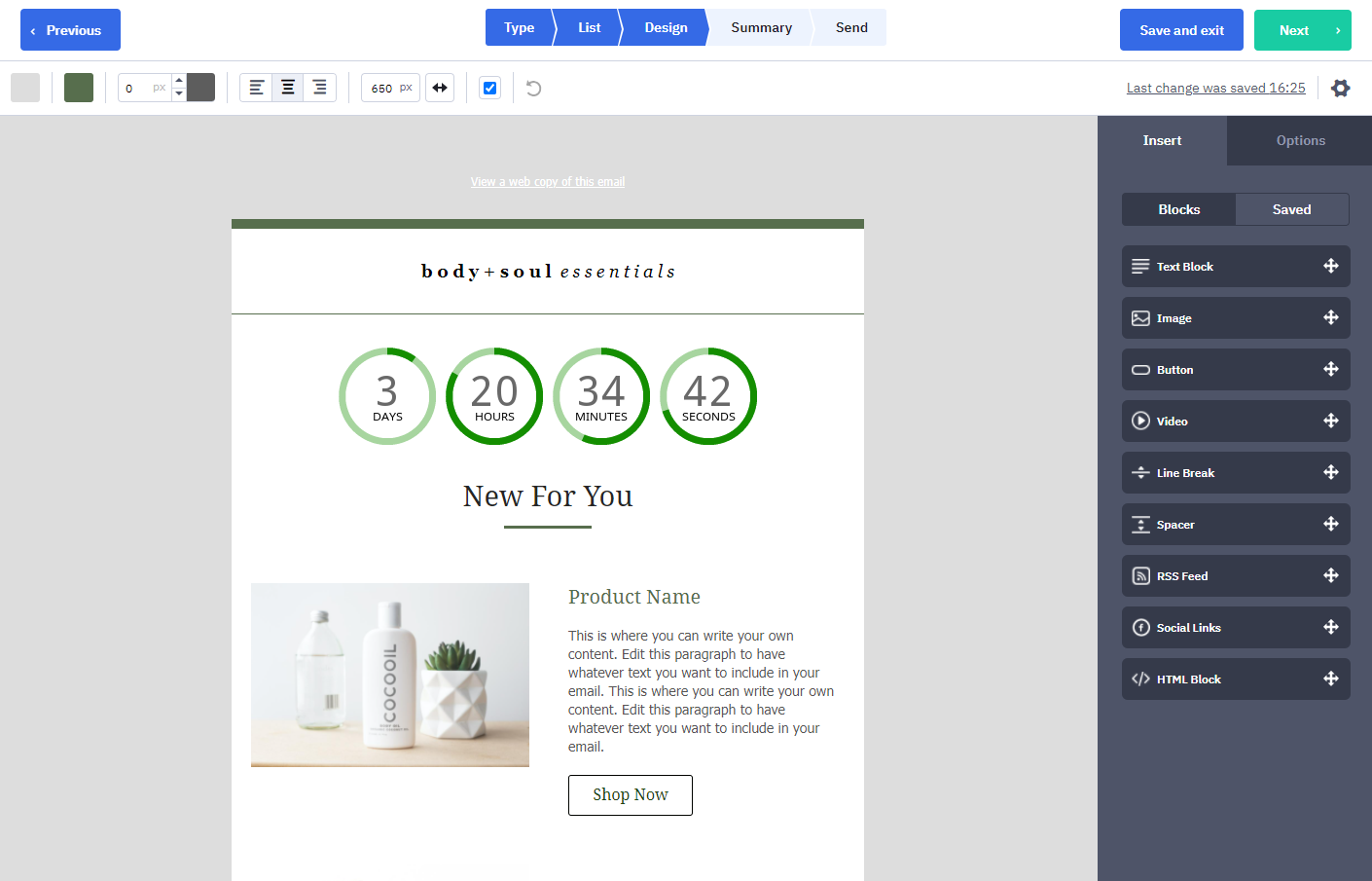
在 ActiveCampaign 中添加倒计时器
 首次发布日期: .最后更新:
 本指南将介绍如何在 ActiveCampaign 平台中集成 Sendtric 倒计时器。如需查看我们的完整设置指南列表, 点击此处.
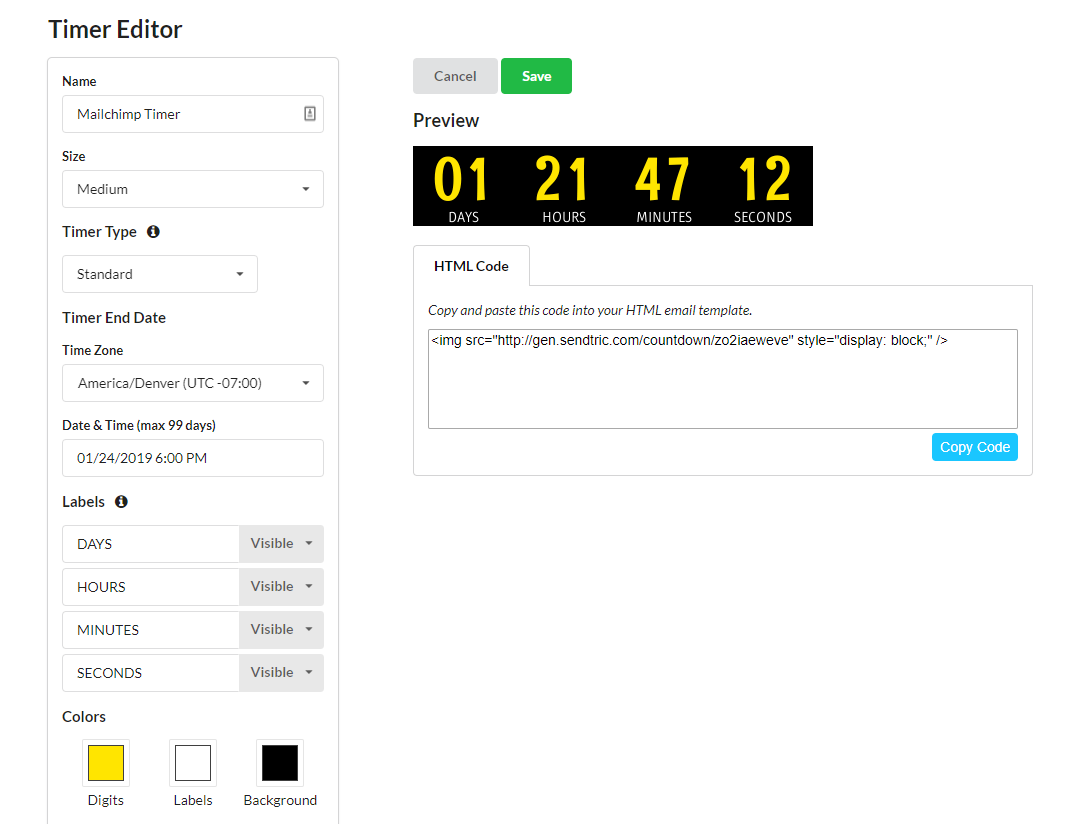
- 在 Sendtric 上创建您的计时器:
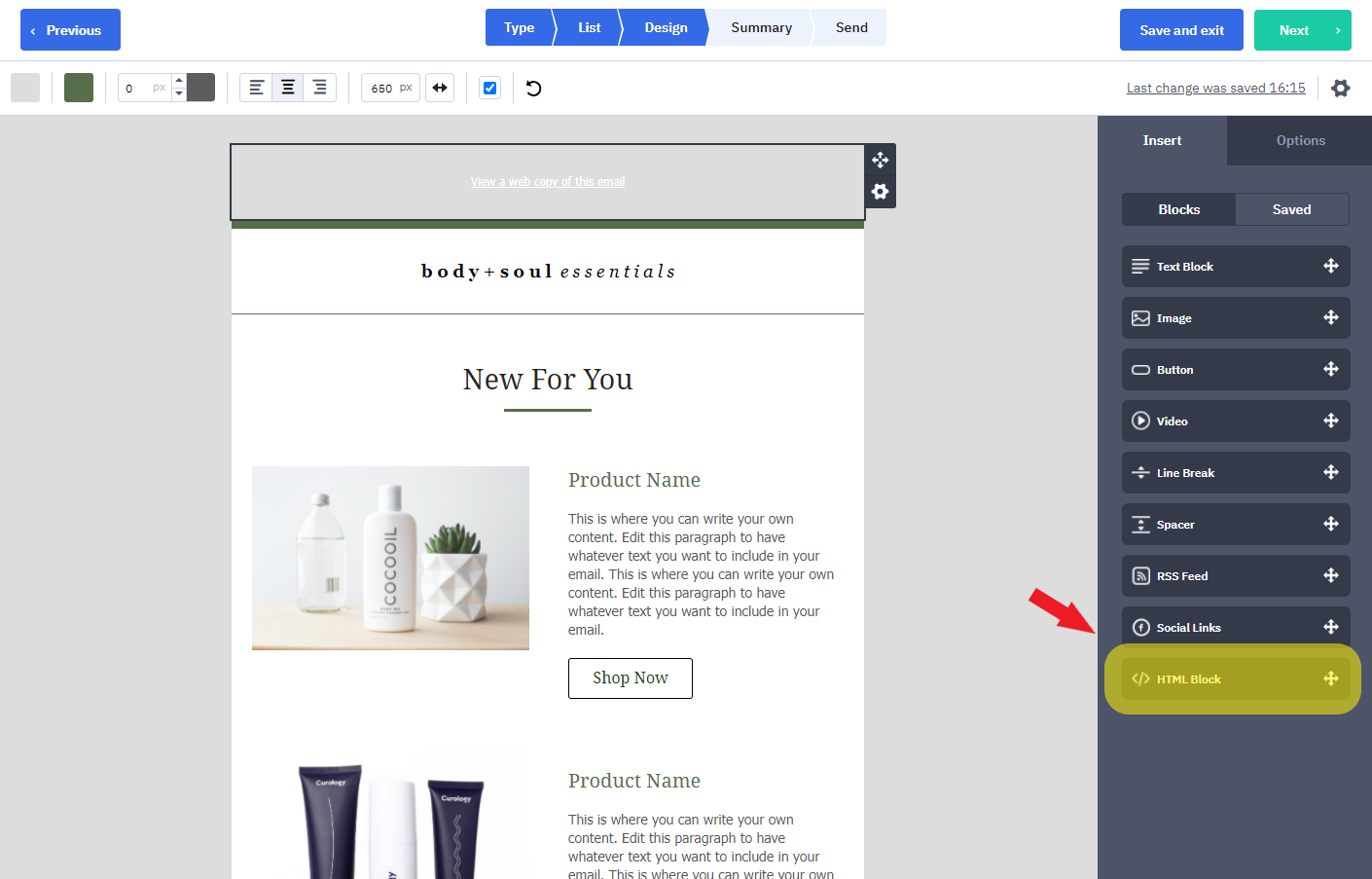
- 在模板编辑器中打开您的 ActiveCampaign 营销活动,然后在“插入”选项卡中选择“HTML 块”选项。将该框拖动到模板中您希望显示倒计时器的位置。
- 从 Sendtric 复制计时器代码,并将其粘贴到您刚添加到模板中的 HTML 块的“自定义 HTML”部分。如果您希望将计时器居中显示,以下是专门针对 ActiveCampaign 平台将计时器居中的额外代码:
<CENTER>{在此处输入您的计时器代码}</CENTER>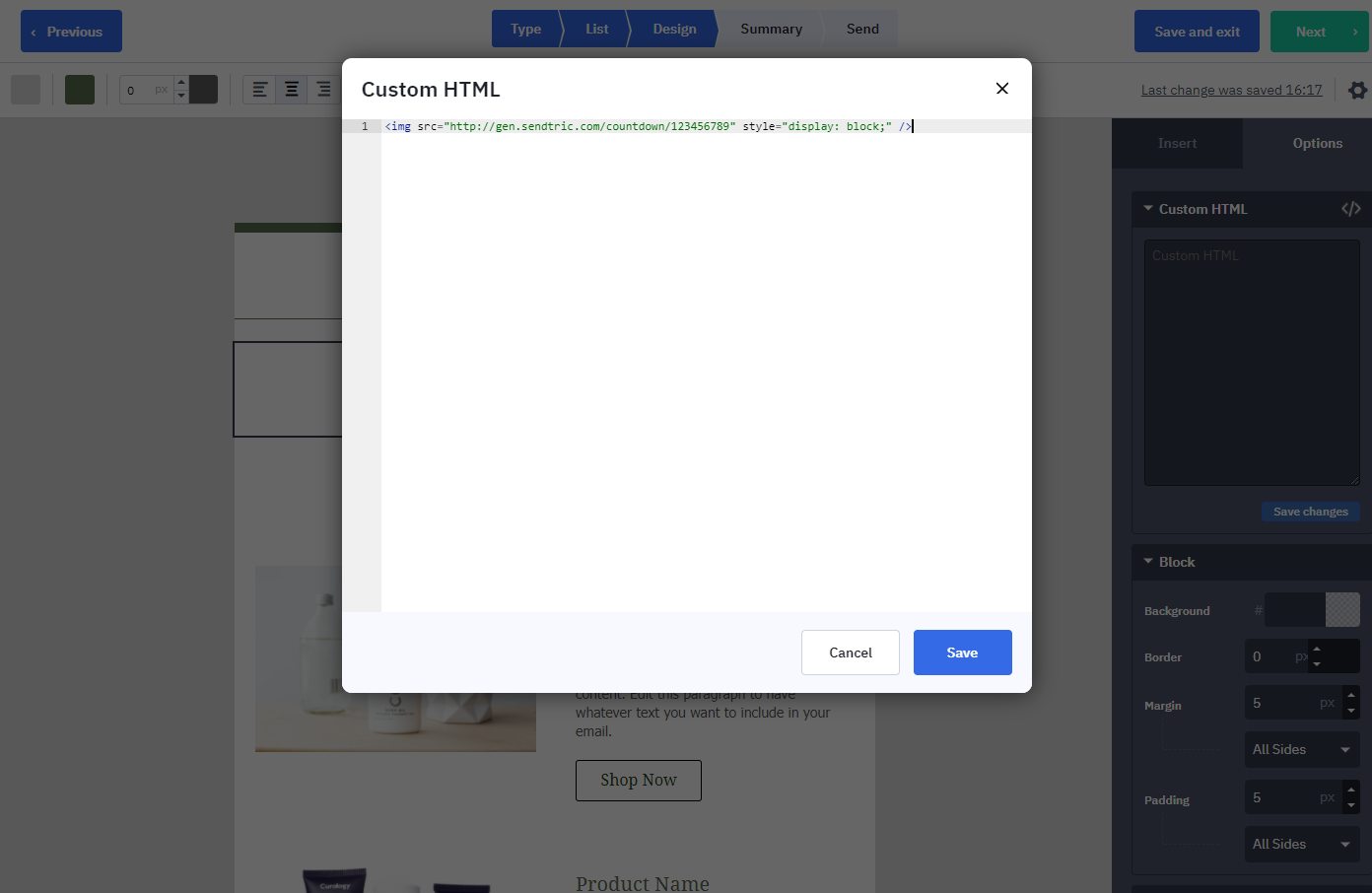
尽情享受 Sendtric 提供的倒计时器吧!